I’ll be the first girl to admit it, I use FaceTune to edit my pictures. If you tell me you don’t use it, you are either 1.) lying, or 2.) playing the game wrong. I by no means am a FaceTune pro, however, I have managed to get down the basics. So can this one app really make much of a difference? Decide for yourself:
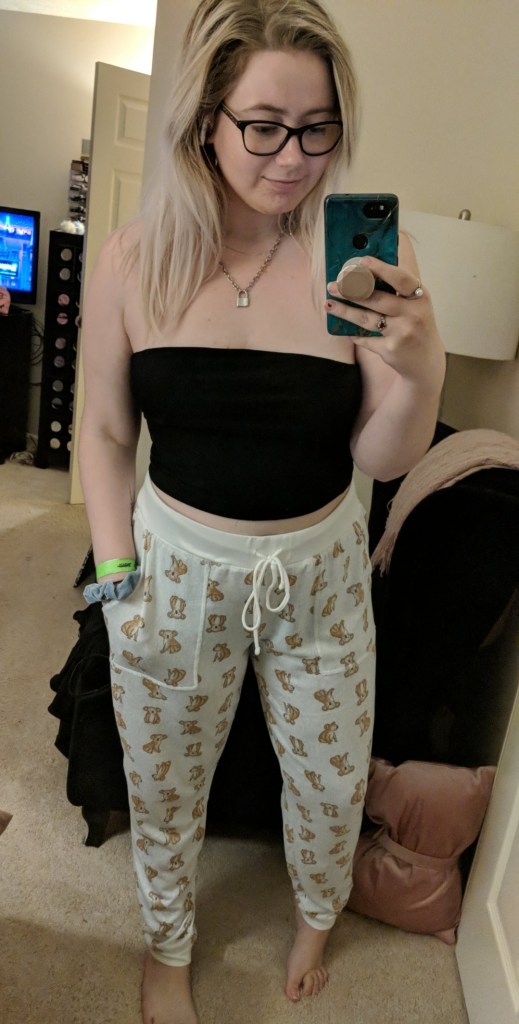
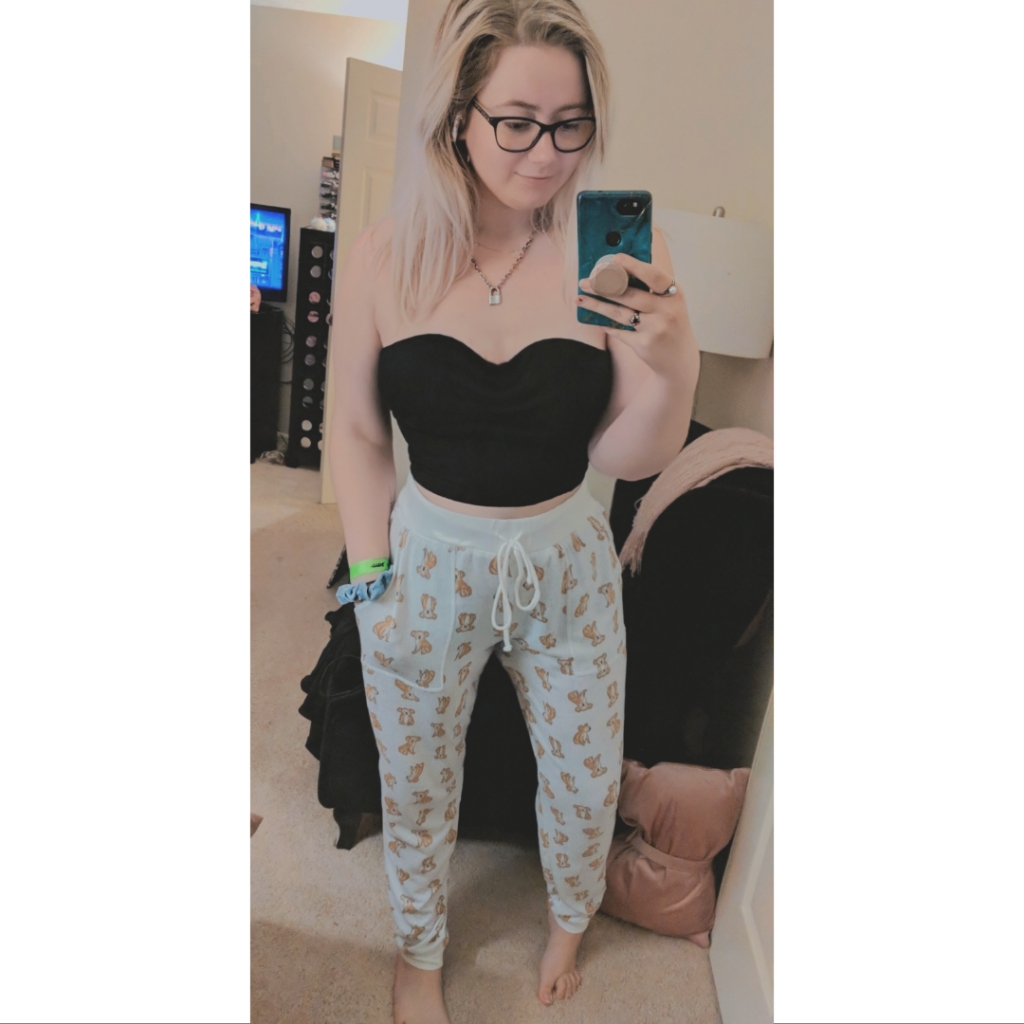
Which image do you think looks better? The first which is the original? Or the second which was edited with FaceTune? Now, I’m not saying that we’re not all naturally beautiful, but that doesn’t mean that a few changes can’t make you feel better for yourself. I personally will FaceTune my photos for fun sometimes without ever even posting them. Remember that sometimes you have to be FEELIN YOURSELF!
So where to start? Smoothing!
I personally always start with the smoothing tool located on the bottom row. Once you click on that, it will let you begin dragging it over the image to smooth/blur an area. I personally love this feature for the skin on my face (because let’s be real, it’s just never smooth). If you have advanced options unlocked, you can go in with some Glow (highlight) or Matte (to reduce shine) in this section as well.
Face Shaping
The next feature that I use (although not always) is the face shaping section which is the first option on the bottom row of the app. This feature auto detects your face so you can change things like your jaw shape (to be more chiseled) or your eyebrow arch even! Sometimes I can’t get the best angle of my face in a photo when it’s not the main focus, so this tool comes in handy to remove the roundness of my chin.
Reshaping
The next step is the Reshaping tool. This is the third tool on the bottom tool bar. BE VERY AWARE OF THE ITEMS BEHIND YOU IN THE PHOTO. Depending on the background, you may not be able to really utilize this tool. If you want to use this tool, try choosing a blank wall or canvas behind you so that nothing in the background will appear distorted! I personally will use this tool when I take a picture without a bra on. We all want to look like we have those perfect and naturally perky tits, but most of us just aren’t that blessed. I will use this tool to raise my chest up a bit to look like my boobs sit higher or are a bit more rounded in shape. You can also apply this same concept to make your butt look more curved in a photo where it can be seen as well, although Tana Mongeau is probably more of the expert on that than I am.
Tones
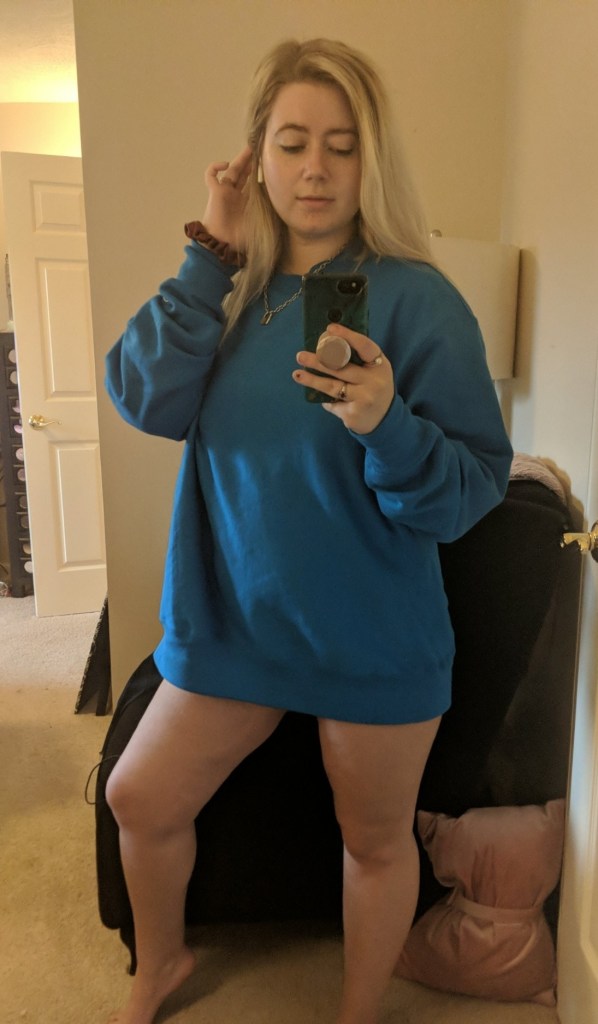
Tones is also not really a tool for beginners. Use this tool once you feel more comfortable editing photos in the app. My favorite thing to use tones for is actually to ADD MAKEUP. That’s crazy, I know, but hear me out on this. You could take a picture with no eyeshadow, eyeliner, or lipstick on, and STILL make it look like you were wearing makeup using the tones section. Choose the color that you want and begin to (while very zoomed in) add the color to the area that you want. I usually add colors onto the lids as a shadow and the lips as a lipstick. The trick is to turn down the intensity of these tones and they will look more natural instead of drawn on. Here’s a look at what I mean:

Detailing
Finally, I end with the Details tool. This tool, in my opinion, is best used for accenting your eyes and your eye makeup. If you put a lot of work into your eyeshadow look, use the Details to brush over it and make it pop more in the photo! I do this with my actual eye as well to make the blue stand out a bit more in photos. You can even use this tool to accent a piece of jewelry or a logo on a clothing item that you want to stand out and be seen (such as the “C” logo on a Champion sweatshirt).
Final Results?
Start with this…
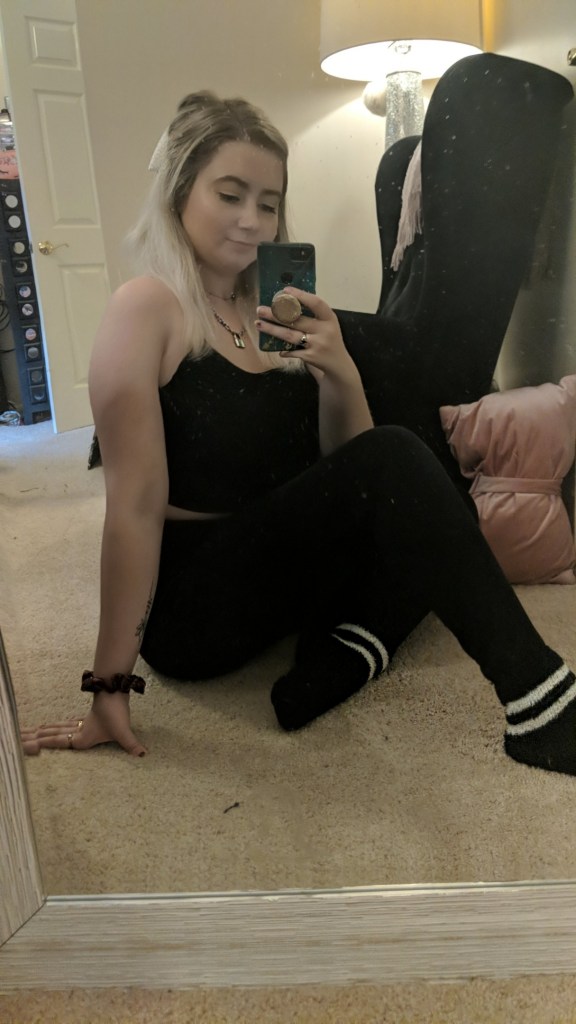
And end up with this….
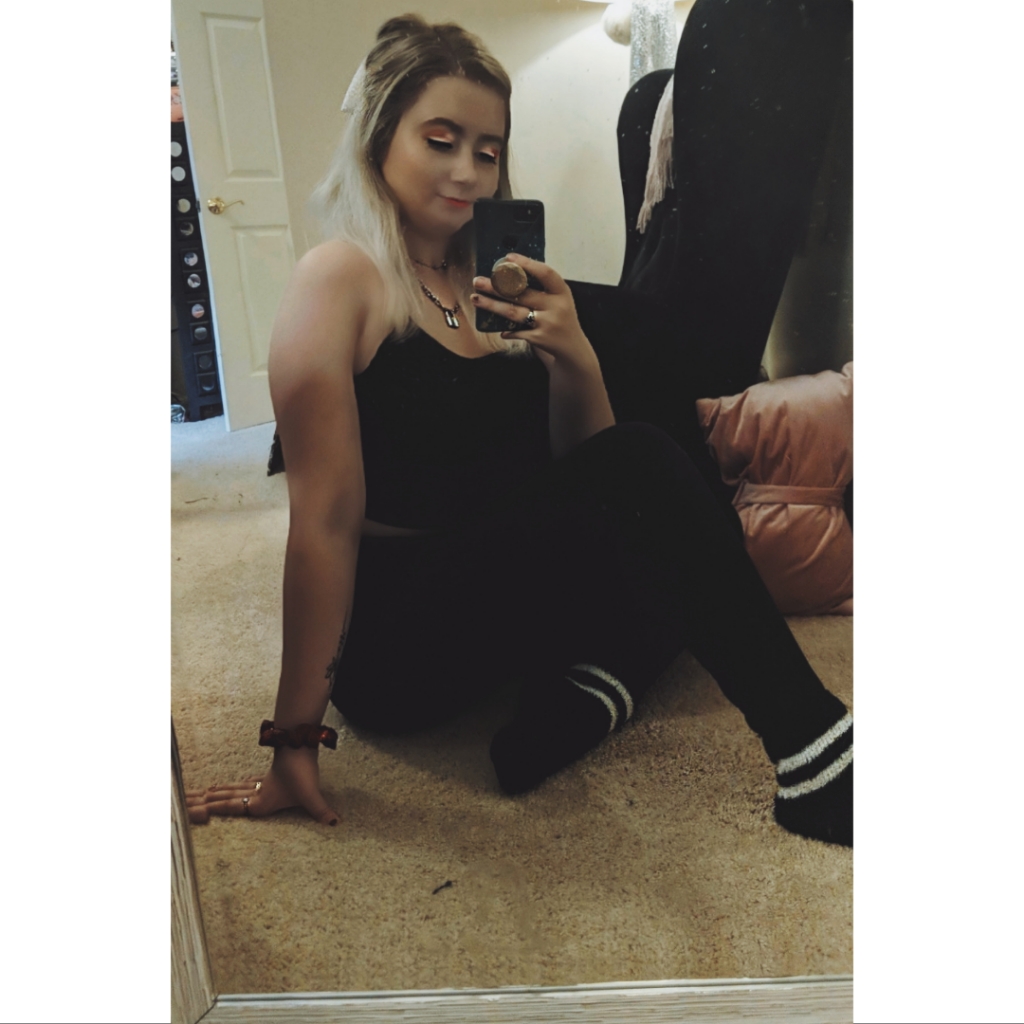
I don’t use my FaceTune app to do anything drastic to my photos, but it does help to make me look a bit more naturally gorgeous. I also use the VSCO app for all filters used on my photos after a good “FaceTuning.” If you don’t roll out of bed a 10 every morning, consider downloading FaceTune.
 Brittany Coates